QuickBooks powers the finances of millions of small and mid-sized businesses across the US. For B2B marketers selling software integrations, financial services, payroll tools, or business consulting, that user base is one of the most reachable and commercially active audiences available.
The challenge is not finding QuickBooks users. The challenge is reaching the right ones with the right message.
This guide breaks down exactly how to do that, from understanding who actually uses QuickBooks, to building a segmentation strategy that gets your outreach in front of decision-makers who are ready to engage.
Who Uses QuickBooks?
Before you run a single outreach campaign, you need to understand who sits behind a QuickBooks account.
QuickBooks holds over 80% of the small business accounting software market in North America. Its users span virtually every industry, including retail, construction, healthcare, professional services, real estate, restaurants, nonprofits, and manufacturing.
The key thing to understand is that QuickBooks users are not a uniform audience. They break down into distinct segments based on the version they use:
QuickBooks Online users tend to be tech-forward small businesses that prioritize cloud access, mobile tools, and third-party integrations. They are typically early adopters and receptive to SaaS products.
QuickBooks Desktop users (Pro, Premier, Accountant) often run established businesses with higher transaction volumes and more complex reporting needs. They are harder to move but tend to have larger budgets.
QuickBooks Enterprise users represent mid-sized companies that have outgrown basic accounting tools. They actively seek solutions for inventory management, multi-location operations, and advanced reporting.
QuickBooks Self-Employed users are freelancers and solo operators. This group is more consumer-like in behavior and typically not a fit for high-value B2B products.
Accounting professionals who manage QuickBooks for multiple clients are a separate and highly influential segment. Reach one bookkeeper or CPA, and you may indirectly influence dozens of business clients.
Why QuickBooks Users Are a High-Value B2B Target
Companies using QuickBooks are not passive software subscribers. They are actively managing invoices, tracking expenses, running payroll, and monitoring cash flow. That level of financial activity signals business maturity and consistent spending patterns.
Here is why this audience stands out for B2B outreach:
They already invest in tools. A business running QuickBooks has already demonstrated a willingness to pay for software that improves operations. That lowers the barrier for introducing complementary products.
They have identifiable pain points. QuickBooks users regularly look for solutions around payment processing, inventory tracking, payroll administration, time tracking, CRM integration, and tax preparation. Each of these is an outreach opportunity.
They are decision-makers or close to them. Most QuickBooks accounts are owned or managed by the business owner, CFO, controller, or office manager. These are the exact people B2B sales teams want to reach.
Their buying behavior is predictable. Businesses that invest in accounting infrastructure tend to make adjacent technology purchases, especially when those tools integrate with QuickBooks directly.
What Is a QuickBooks Users Email List?
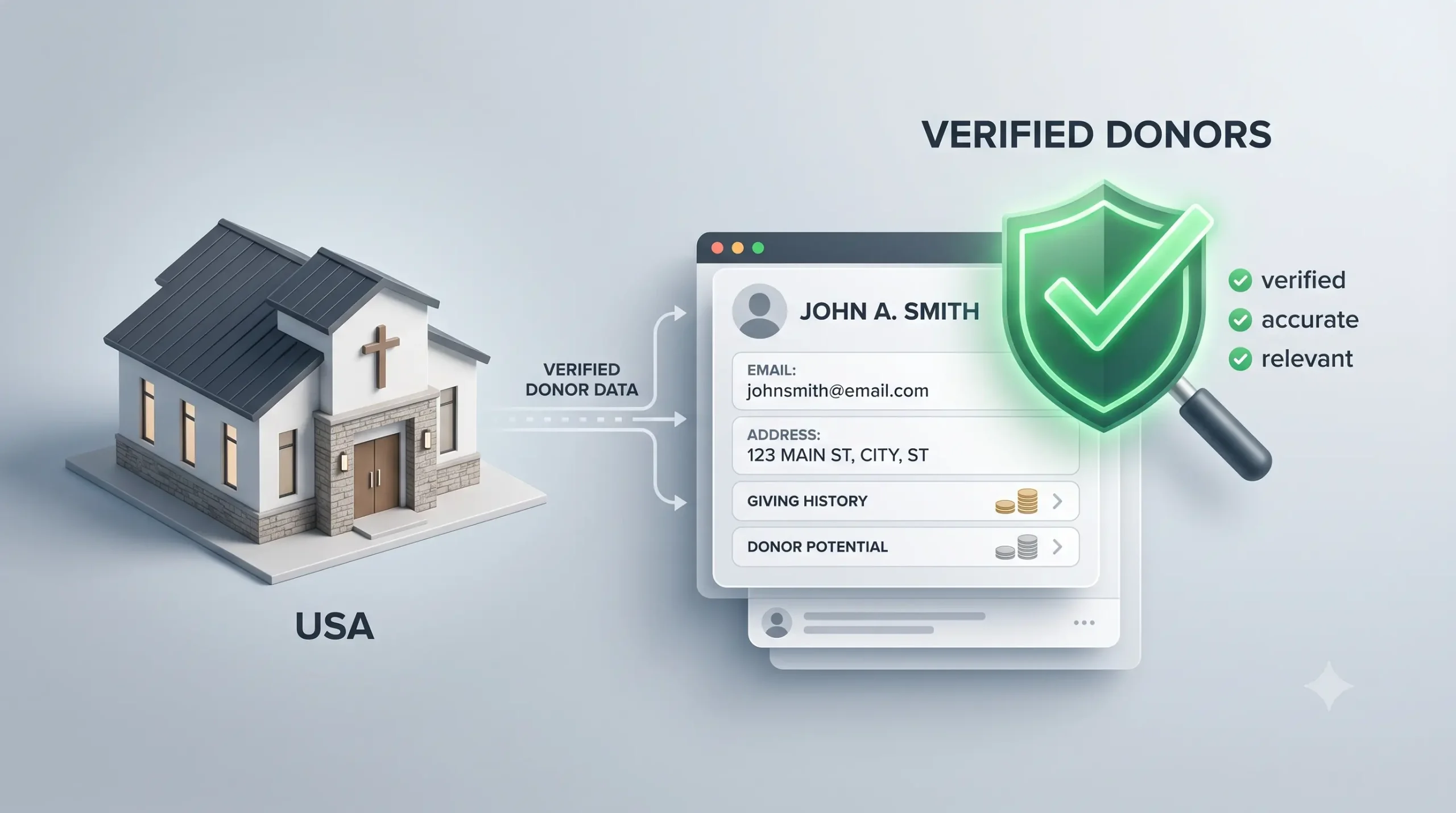
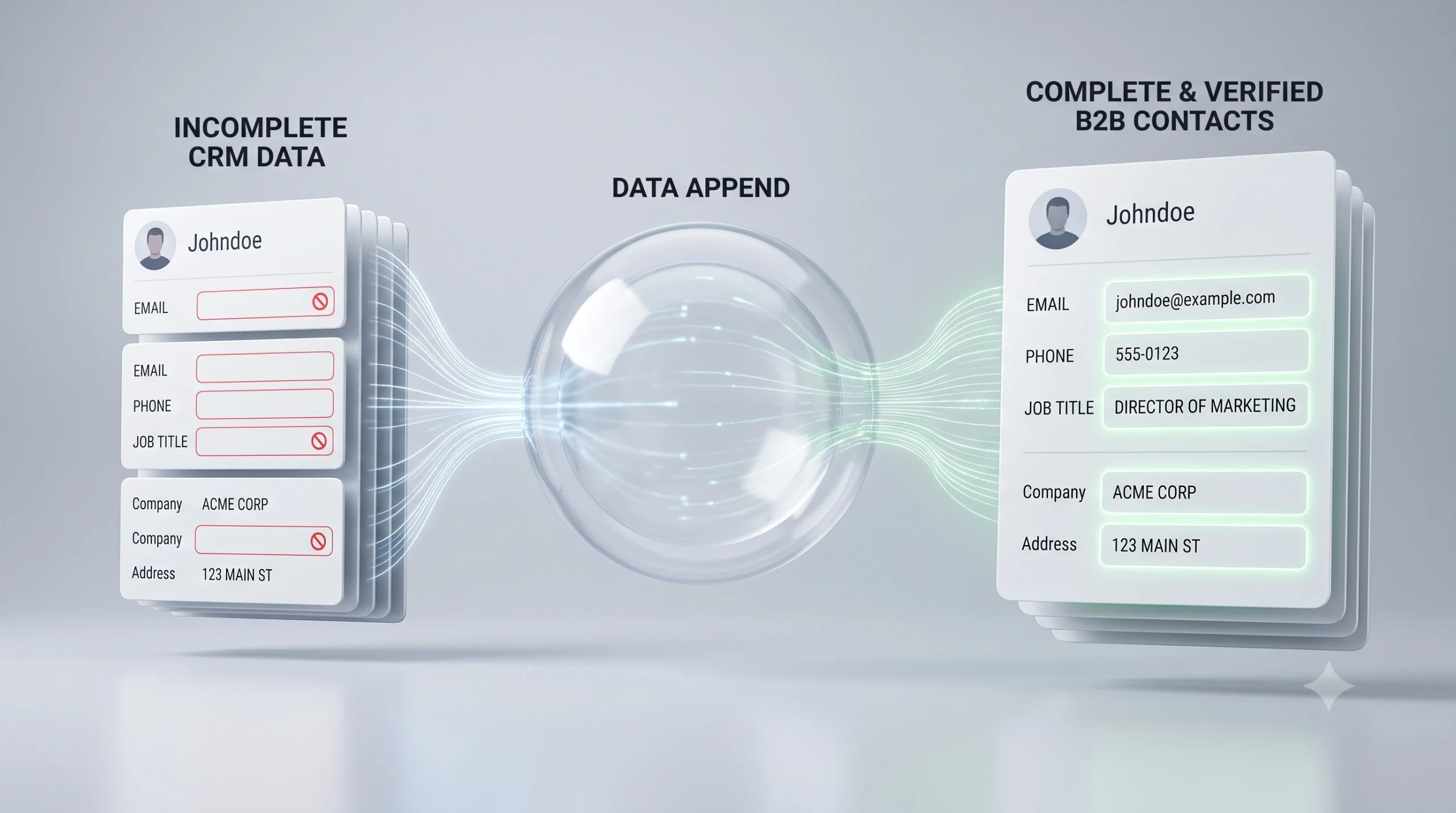
A QuickBooks users email list is a verified database of businesses and professionals who actively use QuickBooks for their accounting and financial operations. These lists compile contact-level and company-level data so that B2B marketers can reach the right people directly, without relying on paid ads or cold LinkedIn prospecting alone.
A high-quality list goes beyond just email addresses. It includes firmographic detail that lets you target based on your ideal customer profile.
What Data Does a QuickBooks Users Email List Include?
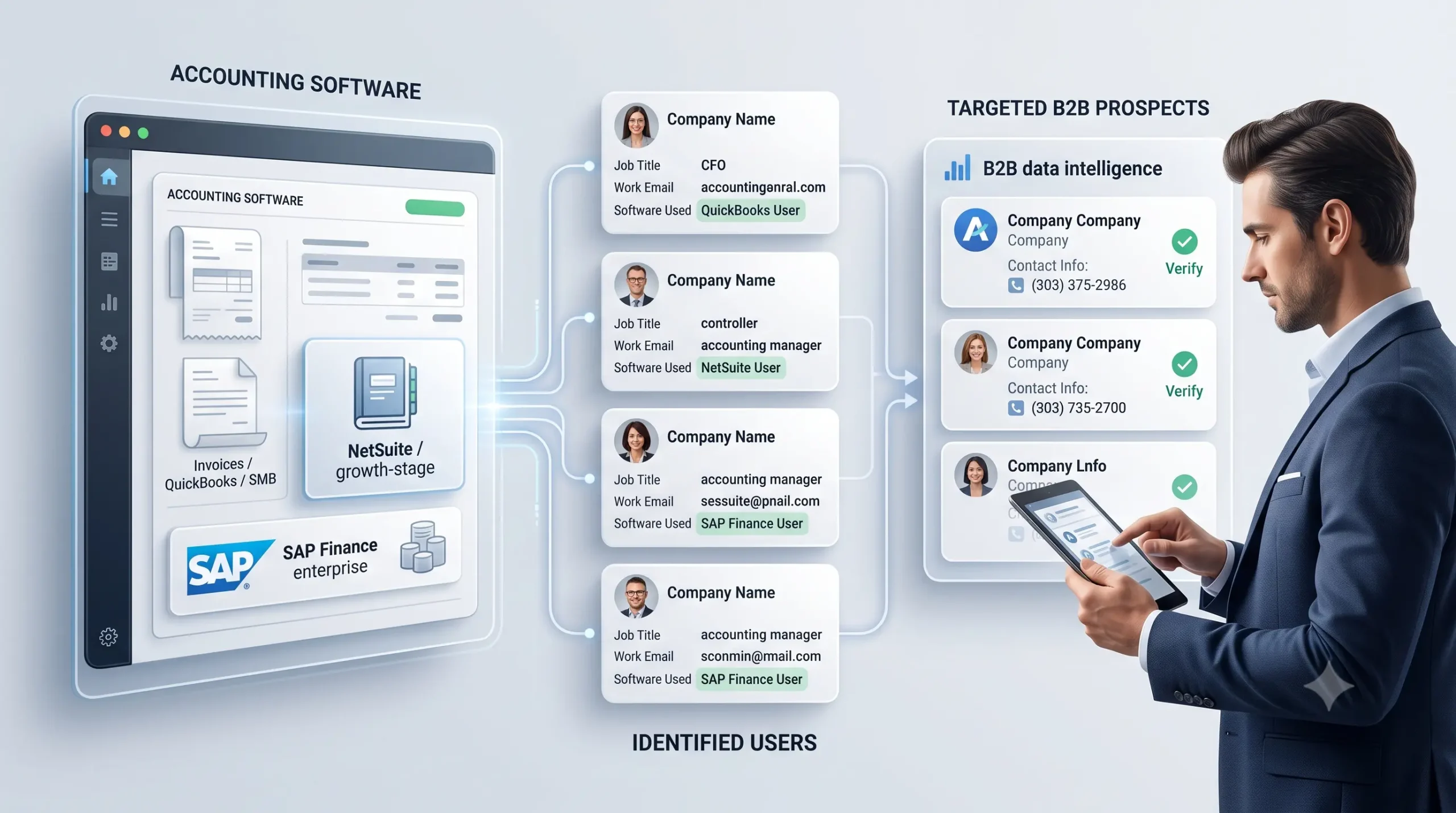
When you work with a verified provider, a QuickBooks users email list typically includes:
- Business name and website
- Contact name and job title (owner, CFO, controller, accountant)
- Verified business email address
- Direct phone number
- QuickBooks version in use (Online, Desktop, Enterprise, Self-Employed)
- Industry vertical
- Employee headcount
- Annual revenue estimate
- Geographic location (state, metro area, ZIP code)
- Business age
This combination of contact data and firmographic detail is what separates a useful list from a raw spreadsheet of emails. The more context you have, the more relevant your message becomes.
How to Segment a QuickBooks Users Email List for Better Outreach
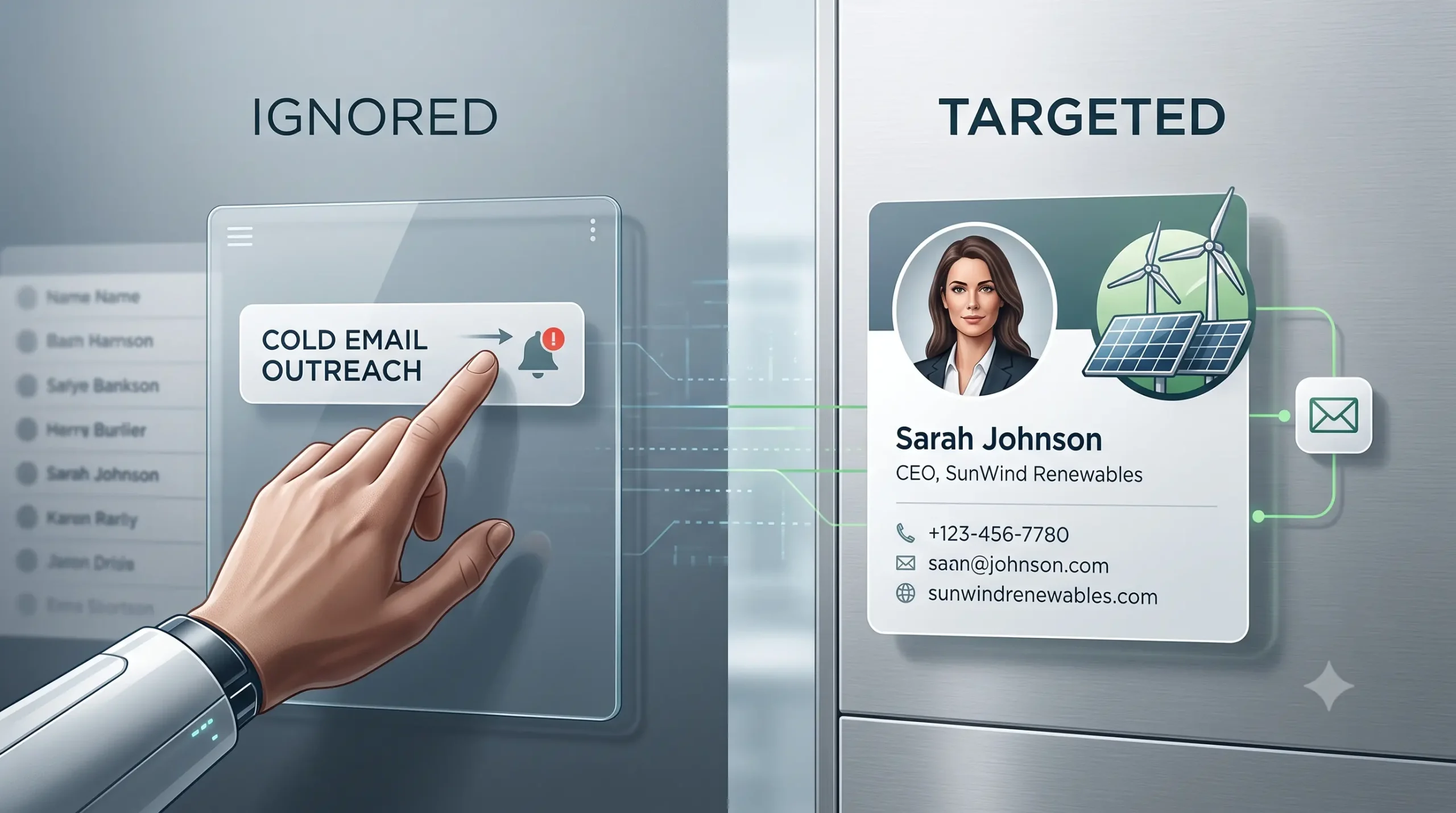
Sending the same message to every QuickBooks user is one of the fastest ways to get ignored. Segmentation is what separates campaigns that generate replies from those that generate unsubscribes.
Here are the most effective ways to cut the data:
By QuickBooks version: A business using QuickBooks Enterprise has different needs than one on QuickBooks Online Simple Start. Tailor your product positioning accordingly.
By industry: A construction contractor using QuickBooks Desktop needs different messaging than a healthcare practice using QuickBooks Online. Industry-specific outreach always outperforms generic messaging.
By company size: A solo accountant and a 40-person professional services firm are not the same buyer. Employee headcount and revenue estimates help you match your solution to the right business stage.
By job title: If you sell a CFO-level financial planning tool, you do not want your emails going to office managers. Filter by decision-maker role to protect your deliverability and conversion rates.
By geography: Regional service providers, local agencies, and territory-based sales teams should always narrow by state or metro area before launching campaigns.
A segmented QuickBooks users email list from Prospects Influential lets you apply all of these filters before a single email goes out. You can explore the full targeting options on the QuickBooks Users Email List page.
Best B2B Outreach Strategies to Reach QuickBooks Users
Having the list is step one. Using it effectively is where most campaigns succeed or fail. Here is how to structure outreach that actually gets responses.
Lead with a Problem They Recognize
QuickBooks users deal with predictable operational friction. Payment reconciliation takes too long. Inventory tracking does not sync. Payroll errors eat hours every month. Your first email should speak directly to one of these problems, not to your product’s features.
If you sell a payment processing integration, your opening line should acknowledge the manual reconciliation headache, not list your features. Lead with their world, not yours.
Match Your Message to the QuickBooks Version
A business running QuickBooks Enterprise is likely evaluating enterprise-grade solutions. A QuickBooks Online user is looking for cloud-native tools that integrate within minutes. The same pitch does not land for both.
When you know the version, you can reference it explicitly. That specificity alone increases reply rates because it signals that you understand their environment.
Use Multi-Channel Outreach
Email is the starting point, not the whole strategy. Once you have verified contact data, layer in phone follow-ups for high-value accounts and LinkedIn connection requests for decision-makers at mid-sized firms.
B2B buyers rarely respond to a single touch. A coordinated sequence across email, phone, and LinkedIn creates familiarity before your sales conversation even begins.
Keep Emails Short and Specific
QuickBooks users are small business operators. They are busy. A 400-word cold email will not get read. Aim for three to four short paragraphs: one line identifying the problem, one line connecting it to their business type, one line on how you solve it, and a clear single call to action.
Ask for a call or a reply. Do not ask them to click a demo, watch a video, and visit your website all at once.
Follow Up Without Being Aggressive
A single email rarely converts. A follow-up sequence of three to five touches over two to three weeks is standard for B2B outreach. Each follow-up should add a new angle rather than just bumping the previous message.
Who Should Use a QuickBooks Users Email List?
This type of outreach data works best for businesses that offer something QuickBooks users genuinely need. The strongest use cases include:
- Software and SaaS companies building integrations or add-ons for the QuickBooks ecosystem, including CRM tools, inventory management platforms, time tracking software, and ecommerce connectors.
- Accounting and bookkeeping firms looking to recruit new clients who are already using QuickBooks but may need professional support.
- Payment processing companies targeting merchants and service businesses that process transactions through QuickBooks.
- Payroll and HR service providers reaching businesses that handle payroll inside QuickBooks but need a dedicated solution as they scale.
- Financial services companies including lenders, credit providers, and insurance firms targeting small business decision-makers with verified financial activity.
Business consultants and marketing agencies offering growth services to established small and mid-sized businesses.
How to Choose the Right QuickBooks Users Email List Provider
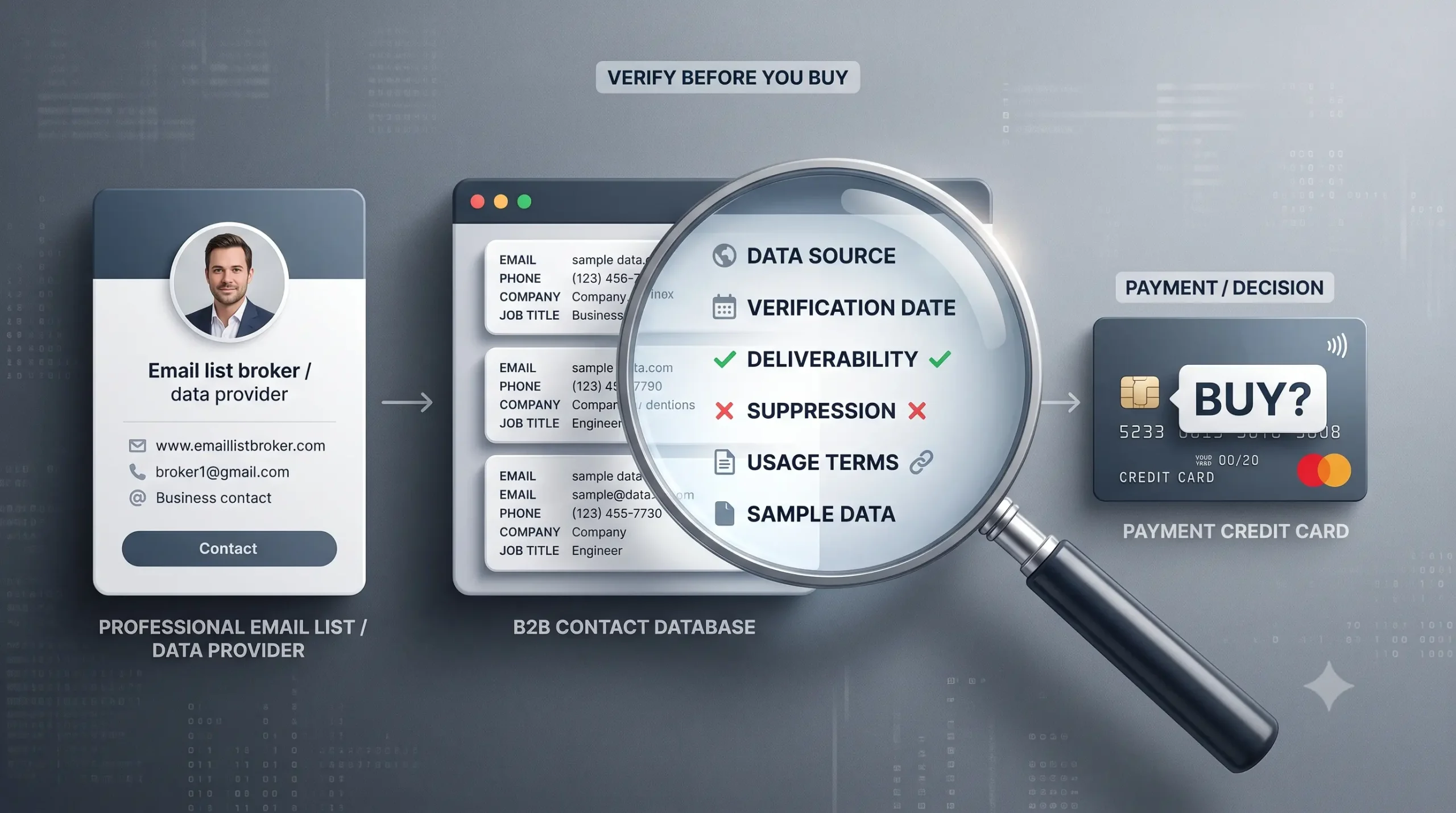
Not all email list providers deliver the same quality. Before you commit, ask these questions:
- How is the data verified? – Look for providers that use a combination of automated validation and manual verification. Email-only verification is not enough. Phone confirmation and business status checks matter.
- How often is the list updated? – B2B data decays quickly. Contacts change roles, businesses close, and email addresses become inactive. A list that is not refreshed at least quarterly will hurt your deliverability.
- Can you segment before you buy? – The ability to filter by industry, version, company size, and geography before purchasing saves you from paying for contacts that do not match your ideal customer profile.
- Is the data compliant? – Your list should be CAN-SPAM compliant and sourced from permission-based channels. Using non-compliant data puts your domain reputation and sender score at risk.
- Does the provider understand your use case? – A good list broker helps you identify the right segment, not just hand over a spreadsheet. That strategic input makes a measurable difference in campaign performance.Prospects Influential builds and maintains verified QuickBooks users email lists with all of these standards in place. If you are ready to build a targeted outreach campaign, contact the team directly to get a list built around your exact criteria.
Common Mistakes to Avoid in QuickBooks B2B Outreach
Even with a quality list, these mistakes will kill campaign performance:
- Sending one message to everyone. No segmentation means low relevance, which means low open rates and high unsubscribes. Always segment before you send.
Pitching product features instead of solving problems. QuickBooks users receive B2B emails constantly. What cuts through is a message that immediately speaks to a problem they deal with daily. - Ignoring data freshness. An outdated list generates bounces, which damage your sender reputation. Confirm that your provider refreshes data regularly and remove inactive contacts after each campaign.
- Skipping the follow-up. Most B2B replies come from the second or third touch, not the first. A single email campaign will underperform every time.
- Using generic subject lines. “Looking to connect” or “Quick question” no longer work. Be specific. Reference the industry, the tool, or the problem in your subject line.
Frequently Asked Questions
What is a QuickBooks users email list?
A QuickBooks users email list is a verified database of businesses and professionals who use QuickBooks accounting software. It includes contact details and company information that allow B2B marketers to reach decision-makers directly.
Who should use a QuickBooks users email list?
Software vendors, accounting firms, payroll providers, payment processors, financial services companies, and business consultants who sell to small and mid-sized businesses benefit the most from this type of targeted data.
What types of businesses use QuickBooks?
QuickBooks is used across retail, construction, healthcare, professional services, restaurants, real estate, nonprofit, and manufacturing sectors. The user base spans solo freelancers up to mid-sized companies with 50 or more employees.
How do I know if a QuickBooks email list is accurate?
Look for providers that verify email addresses, confirm phone numbers, and validate business status through a combination of automated and manual processes. Accuracy rates above 90% with quarterly updates are the benchmark for quality data.
Is it legal to use a QuickBooks users email list for B2B outreach?
Yes, when the list is sourced from permission-based channels and used in compliance with CAN-SPAM and applicable data privacy regulations. Always work with providers who follow compliant data sourcing standards.
Can I target specific QuickBooks versions like Online or Enterprise?
Yes. A well-segmented list lets you filter by QuickBooks product version, which is one of the most effective ways to match your message to the right audience based on business size and tech sophistication.
How often should a QuickBooks email list be updated?
At minimum, quarterly. B2B contacts change roles, move companies, or go inactive. A list that is not regularly refreshed leads to high bounce rates and damaged sender reputation.
What data fields does a QuickBooks users email list include?
Standard fields include business name, contact name, job title, verified email, phone number, industry, company size, QuickBooks version, annual revenue estimate, and geographic location.
Ready to Reach QuickBooks Users at Scale?
A verified, well-segmented QuickBooks users email list gives you direct access to millions of small and mid-sized businesses that are already invested in financial tools and actively seeking solutions that fit their workflow.
The difference between a campaign that generates calls and one that gets ignored is the quality of your data and the relevance of your message. Prospects Influential provides both.
Explore the QuickBooks Users Email List or call 800 352 2282 to speak with a list specialist about building a targeted campaign for your business.