The short answer
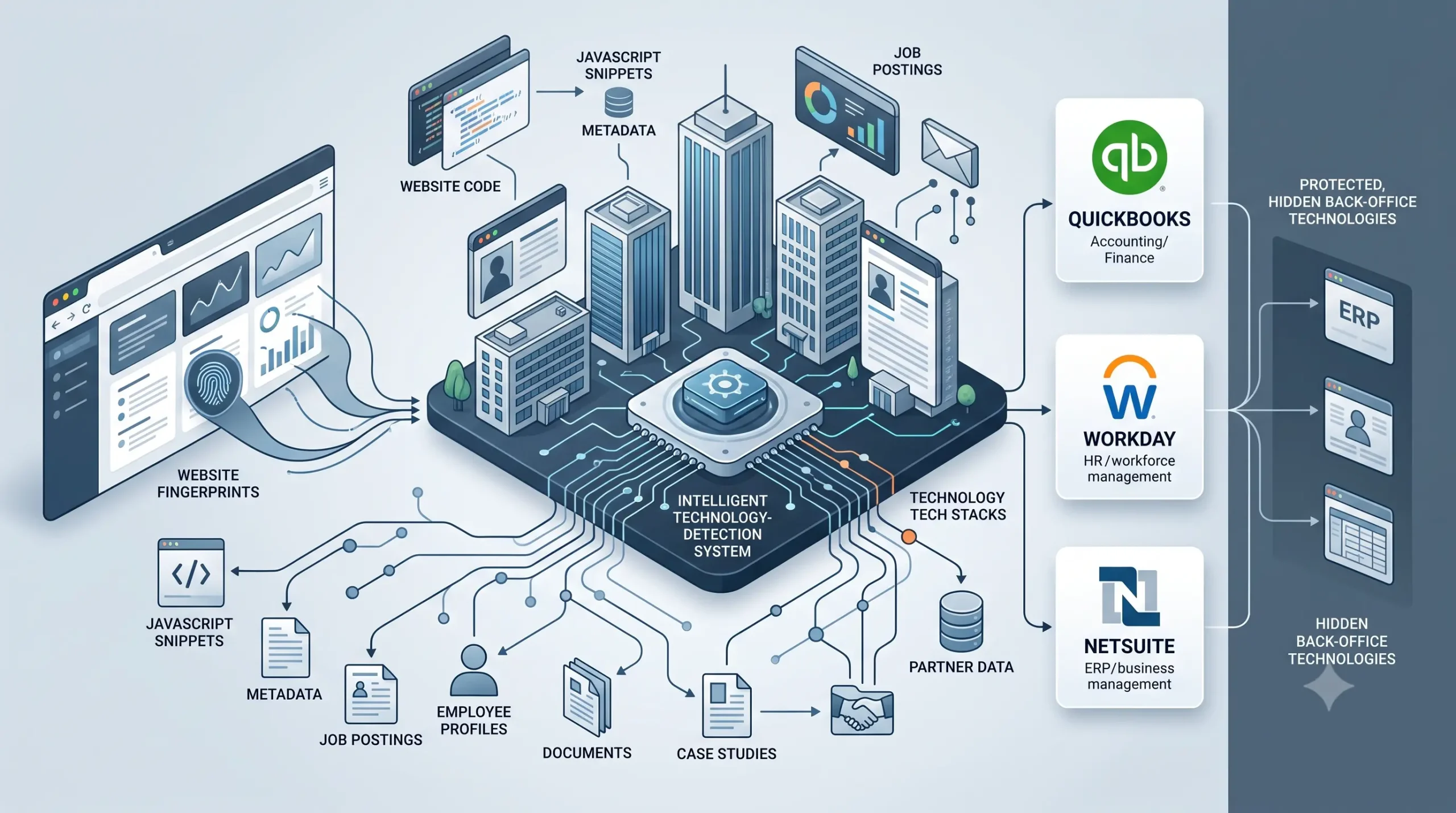
Technographic data vendors identify a company’s technology by two main methods: scanning public websites for the digital signatures a tool leaves behind, and analyzing unstructured text like job postings for mentions of a technology. Web-facing tools are detected directly. Back-office software like QuickBooks, Workday, and NetSuite leaves no website footprint, so those users are inferred from indirect signals, which makes verification essential.
What technographic data is
Technographic data is information about the technologies a company uses, from its website platform and analytics to its CRM, ERP, and accounting software. Marketers use it to target companies by their tech stack, for example to reach every business running a competitor’s product or a specific accounting system.
It sits alongside firmographic data, which describes a company’s size, industry, and location. Firmographics tell you who a company is; technographics tell you what it runs. Combined, they let a seller find, say, mid-sized healthcare firms in Ontario that use a particular platform. The catch, and the whole point of this article, is that not all technographic data is gathered the same way, and the method decides how reliable it is.
How vendors actually detect a company’s tech stack
There is no single database where companies list their software. Vendors piece the picture together from public signals, and there are two fundamentally different approaches plus a few supplements.
The first approach is website fingerprinting. A crawler fetches a company’s public web pages and matches what it finds, JavaScript snippets, meta tags, cookie names, CSS classes, HTTP headers, DNS records, and hosting infrastructure, against a library of known technology signatures. If a tool leaves a telltale mark in the page, the scanner catches it.
The second approach is text analysis, often using natural language processing. Here the vendor scans unstructured public text, job postings, careers pages, press releases, case studies, and social profiles, for mentions of a technology. A job listing for a “NetSuite Administrator” or a “Workday HCM Analyst” is strong evidence the company runs that system, even though nothing about it appears on the company’s website.
Supplementary methods fill the gaps. Some providers analyze large volumes of business documents to infer behind-the-firewall usage, others run surveys or crowdsource data, and many buy signals from partners and resellers. The strongest datasets blend several of these, because no single method sees everything.
| Method | What it detects well | Blind spots |
|---|---|---|
| Website fingerprinting | Analytics, pixels, CMS, ecommerce, CDN, chat, web frameworks | Databases, ERPs, accounting, internal back-office tools |
| Job posting and text analysis | Back-office and internal tools named in hiring and content | Companies that do not post relevant roles or mention tools |
| Document analysis, surveys, partner data | Enterprise install base and IT spend, harder-to-see systems | Coverage varies, freshness harder to maintain |
Why QuickBooks, Workday, and NetSuite are the hard case
This is the part most buyers do not realize until a list underperforms. The three tools in this article’s title are exactly the ones website scanning cannot see.
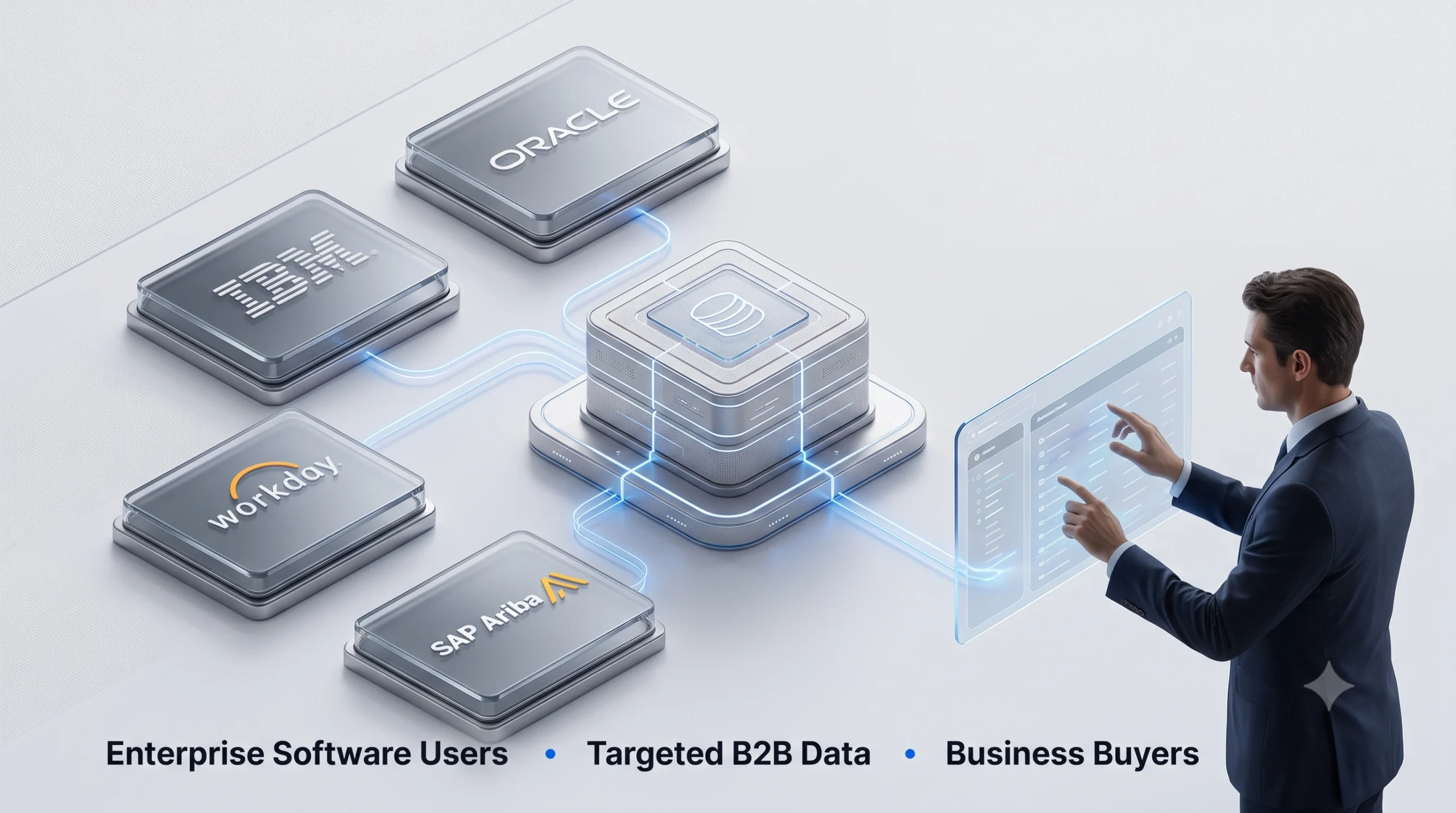
QuickBooks, Workday, and NetSuite are back-office systems. They run a company’s accounting, HR, and finance behind the login, and they leave no signature on the public website a crawler can read. That means a list of “companies that use Workday” or “QuickBooks users” is almost never built from direct observation. It is inferred from indirect signals: a job posting seeking a NetSuite administrator, an employee listing Workday on a professional profile, a published case study, an integration partner directory, or reseller data. Those signals are good, but they are probabilistic, not certain.
Worth knowing: The reliability of a software-user list depends entirely on what the software is. A list of companies using a web-facing tool like Shopify or a website analytics platform can be verified directly by scanning sites. A list of companies using QuickBooks, Workday, or NetSuite is built on inferred signals, so it carries more uncertainty. When you buy one of these back-office lists, ask which signals it was built from, how recently, and always test a sample before a full campaign.
How accurate is technographic data
Accuracy varies more than most vendors admit, and it comes down to method and freshness. Set expectations before you spend.
Detection is strongest for well-known, web-visible SaaS, where a scan is close to direct observation. It is weaker and more inferred for internal systems, and it tells you what is installed rather than whether the company is in the market to buy something new. Tech stacks also change as companies adopt and drop tools, so any dataset decays over time. The practical rule is the same one that applies to any list: treat a technographic record as a strong hypothesis to be confirmed by engagement, favor providers that combine detection methods for back-office tools, and verify a sample against known accounts before committing budget.
How to buy a technology-user list that performs
Because back-office detection is inferred, sourcing quality matters even more than usual, and a broker who combines signals and verifies records beats a single-method scan. Buy on method transparency and verification, not on headline counts.
Ask any provider how the list was built, which signals identify the technology, and how often records are revalidated, then request a sample so you can test fit before you commit. Where a standard segment does not match, a custom build to your brief, for example NetSuite users in professional services above a revenue threshold, will outperform an off-the-shelf pull. Prospects Influential works as an independent broker with access to more than 70,000 lists across the US and Canada, so the file is matched to your target rather than to one detection method. Explore ready segments such as our QuickBooks users email list, Workday customers list, and NetSuite users email list, or browse the full range on our direct marketing list broker hub and business specialty lists.
Frequently asked questions
How do companies know what software another company uses?
They collect public signals. Website crawlers detect web-facing tools from digital signatures in a site’s code, and text analysis of job postings, case studies, and profiles reveals back-office tools. Some vendors add document analysis, surveys, and partner data.
Can you really detect which companies use QuickBooks or NetSuite?
Not by scanning their websites, because these are back-office systems with no public footprint. Vendors infer usage from indirect signals like job postings for administrators of those systems, employee profiles, case studies, and reseller data. The result is probabilistic, so verify a sample.
What is the difference between technographic and firmographic data?
Firmographic data describes who a company is, its size, industry, and location. Technographic data describes what technology it uses. Combining both lets you target precisely, such as a specific tool within a specific industry and company size.
How accurate is technographic data?
It depends on the tool and the method. Web-visible SaaS is detected reliably, while back-office systems are inferred and less certain. All technographic data decays as companies change tools, so verification and freshness matter.
Is website scanning or job-posting analysis better?
They cover different things. Website scanning is best for web-facing technologies with a visible signature. Job-posting and text analysis is best for internal and back-office tools that never appear on a website. Strong datasets combine both.
Does technographic data tell me a company is ready to buy?
No. It tells you what a company uses, not its purchase intent. Some platforms pair technographics with intent signals, but the two are different data types.
Is collecting technographic data legal?
It is generally built from public, company-level signals rather than personal data. That said, any contact list attached to it must still follow email and calling rules such as CAN-SPAM and CASL. Use a provider that sources compliantly.
How do I buy a technology-user list?
Define the technology and the audience, then ask a provider how the list was built and how recently it was verified, and request a sample. A broker can combine detection methods and match the file to your target.
Get a verified technology-user list
If you want to reach companies by the software they run, the method behind the list decides your results, so start with a provider that will show its work. Tell us the technology and audience you want, and a Prospects Influential broker will run a free count and quote on a verified list matched to your brief, with no obligation. Our brokers in West Vancouver and Bellingham respond within one business day on our contact page.